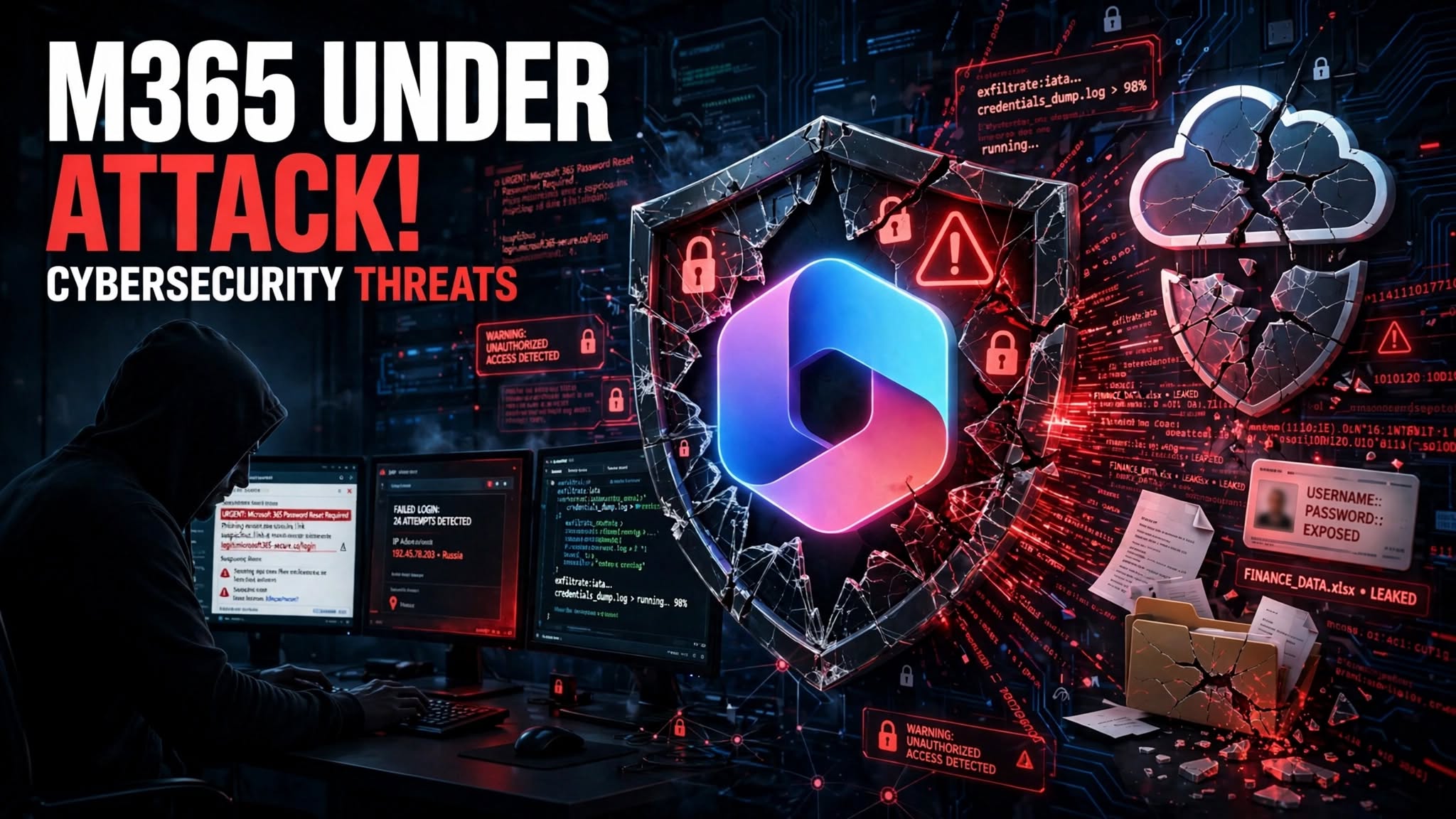
Microsoft 365 Attacks: How Cybercriminals Target Businesses and How to Protect Your Organization
Introduction
Microsoft 365 has become one of the most widely used productivity platforms for businesses, organizations, educational institutions, and individuals. With applications such as Outlook, Word, Excel, Teams, SharePoint, and OneDrive, it provides everything organizations need to manage communication, collaborate, and store important business information.
However, its popularity has also made Microsoft 365 an attractive target for cybercriminals. Every day, attackers attempt to compromise Microsoft 365 accounts to steal confidential information, access company emails, distribute malware, and commit financial fraud.
A Microsoft 365 attack does not always involve sophisticated hacking techniques. In many cases, attackers use phishing emails, stolen passwords, fake login pages, malicious applications, and social engineering to gain unauthorized access.
Understanding how these attacks work is essential for protecting business data, employees, and digital infrastructure.
What Is a Microsoft 365 Attack?
A Microsoft 365 attack is a cyberattack that targets Microsoft 365 accounts, services, applications, or cloud infrastructure. The primary objective is usually to gain unauthorized access to an organization's digital environment.
Once attackers compromise an account, they may read private emails, download business documents, access SharePoint files, monitor conversations, or impersonate employees.
For businesses, the consequences can be serious. A compromised account may expose customer information, financial records, employee details, contracts, and other confidential documents.
In some cases, attackers use compromised email accounts to send fraudulent payment requests to customers or business partners, making the attack difficult to identify immediately.
Common Types of Microsoft 365 Attacks
1. Phishing Attacks
Phishing is one of the most common techniques used to compromise Microsoft 365 accounts.
Attackers send emails that appear to come from Microsoft, company administrators, colleagues, or trusted business partners. These messages often contain urgent warnings about password expiration, suspicious login attempts, account suspension, or document sharing.
The email usually includes a link to a fake Microsoft 365 login page. When an employee enters their username and password, the information is captured by the attacker.
Some advanced phishing campaigns also attempt to steal authentication sessions, potentially bypassing traditional password-based protections.
2. Business Email Compromise (BEC)
Business Email Compromise is a serious attack in which criminals gain access to legitimate business email accounts or impersonate trusted individuals.
For example, an attacker may compromise the email account of a finance manager and send a message to the accounting department requesting an urgent payment.
Because the message comes from a familiar business address, employees may believe the request is genuine.
BEC attacks frequently target organizations that regularly process invoices, supplier payments, payroll, and financial transactions.
3. Password Attacks and Credential Theft
Weak or reused passwords create opportunities for cybercriminals.
Attackers may use stolen credentials from previous data breaches, automated password-guessing techniques, or credential-stuffing attacks to access Microsoft 365 accounts.
If employees reuse the same password across multiple platforms, a breach on one website could potentially expose their Microsoft 365 accounts as well.
Once attackers gain access, they may change account recovery settings, create additional access methods, or maintain unauthorized access.
4. Malicious OAuth Applications
Microsoft 365 supports third-party applications that can connect to services such as Outlook, OneDrive, and SharePoint.
This integration is useful for productivity, but attackers can abuse it by creating malicious applications that request excessive permissions.
An employee may unknowingly approve an application that requests permission to read emails, access files, or maintain access to organizational data.
Depending on the permissions granted, the attacker may continue accessing information even after the employee changes their password.
Organizations should carefully review application permissions and restrict unnecessary third-party integrations.
5. Ransomware and Data Theft
Ransomware attacks can affect organizations using Microsoft 365 by targeting their endpoints, synced files, cloud-connected environments, or stolen user credentials.
Attackers may steal sensitive business information before encrypting files or disrupting operations. They may then demand payment in exchange for a decryption key or promise not to publish stolen information.
One important distinction is that Microsoft 365 cloud services and organizational backups are not automatically a complete recovery strategy. Businesses should establish independent backup and recovery procedures.
Warning Signs of a Microsoft 365 Account Compromise
Recognizing suspicious activity early can reduce the damage caused by an attack.
Organizations should investigate the following warning signs:
- Unexpected login notifications from unfamiliar locations or devices.
- Password reset requests that employees did not initiate.
- Emails appearing in the Sent Items folder without the user's knowledge.
- Unexpected forwarding rules in Outlook.
- Unknown applications requesting Microsoft 365 permissions.
- Unusual downloads or sharing activity in OneDrive and SharePoint.
- Employees being locked out of their accounts.
- Suspicious messages sent to customers or business partners.
These indicators do not always prove an account has been compromised, but they should trigger an immediate security investigation.
How to Protect Microsoft 365 Against Cyberattacks
1. Enable Multi-Factor Authentication (MFA)
Multi-Factor Authentication adds another layer of security beyond passwords.
Even if an attacker obtains an employee's password, they may still be unable to access the account without completing the additional authentication requirement.
Organizations should consider phishing-resistant authentication methods, such as passkeys or FIDO2 security keys, wherever practical.
2. Use Microsoft Defender Security Features
Microsoft provides security capabilities through its Microsoft Defender product family. Depending on the organization's subscription and configuration, these tools can help detect suspicious emails, malicious attachments, unsafe links, and unusual account activity.
Security administrators should configure appropriate protection policies and regularly review alerts.
3. Apply Conditional Access Policies
Conditional Access helps organizations control access based on conditions such as user identity, device status, location, and risk signals.
For example, businesses can require additional authentication or block access when a sign-in does not meet their security requirements.
These policies help reduce the risk of unauthorized access from unfamiliar devices or suspicious environments.
4. Train Employees to Identify Phishing
Technology alone cannot eliminate every cybersecurity risk. Employees should understand how to recognize suspicious messages, fake login pages, unexpected attachments, and unusual payment requests.
Regular security awareness training and phishing simulations can help employees develop safer working habits.
5. Monitor Login Activity and Audit Logs
Administrators should regularly review Microsoft Entra sign-in logs, Microsoft 365 audit logs, and security alerts.
Monitoring these records can help identify suspicious login attempts, unexpected permission changes, unusual file access, and unauthorized account activity.
Early detection allows security teams to respond before attackers cause extensive damage.
6. Maintain Independent Backups
Businesses should maintain reliable backups of important information and test their recovery procedures regularly.
A proper backup strategy should account for accidental deletion, ransomware, malicious changes, and compromised administrator accounts.
Backups should be protected against unauthorized modification and deletion.
What Should You Do If Your Microsoft 365 Account Is Hacked?
If you suspect that a Microsoft 365 account has been compromised, take immediate action.
First, contact your organization's IT or security administrator. Secure the affected account by resetting its credentials and revoking active sessions. Review authentication methods, mailbox forwarding rules, application permissions, and suspicious inbox rules.
Next, investigate sign-in activity and audit logs to understand when the compromise occurred and what information may have been accessed.
If attackers sent fraudulent emails, notify affected employees, customers, or business partners. If sensitive information was exposed, follow the organization's incident response and legal notification procedures.
Finally, identify the security weakness that allowed the attack and implement corrective measures to prevent similar incidents.
Conclusion
Microsoft 365 provides powerful tools for modern businesses, but its extensive use of cloud-based services also creates opportunities for cybercriminals. Phishing, business email compromise, stolen credentials, malicious applications, and ransomware remain important threats to organizations.
Protecting Microsoft 365 requires more than strong passwords. Businesses should implement multi-factor authentication, configure Conditional Access, monitor account activity, control third-party application permissions, train employees, and maintain independent backups.
Cybersecurity should be treated as an ongoing business responsibility rather than a one-time technical setup. By combining appropriate security technologies with employee awareness and proactive monitoring, organizations can significantly reduce the risk of Microsoft 365 attacks and protect their valuable digital information.