Imagine opening your laptop tomorrow to find that your website has been taken over by a stranger who never needed a password. No phishing email, no stolen login. They just sent a specially crafted request to your server and ran their own commands on it.
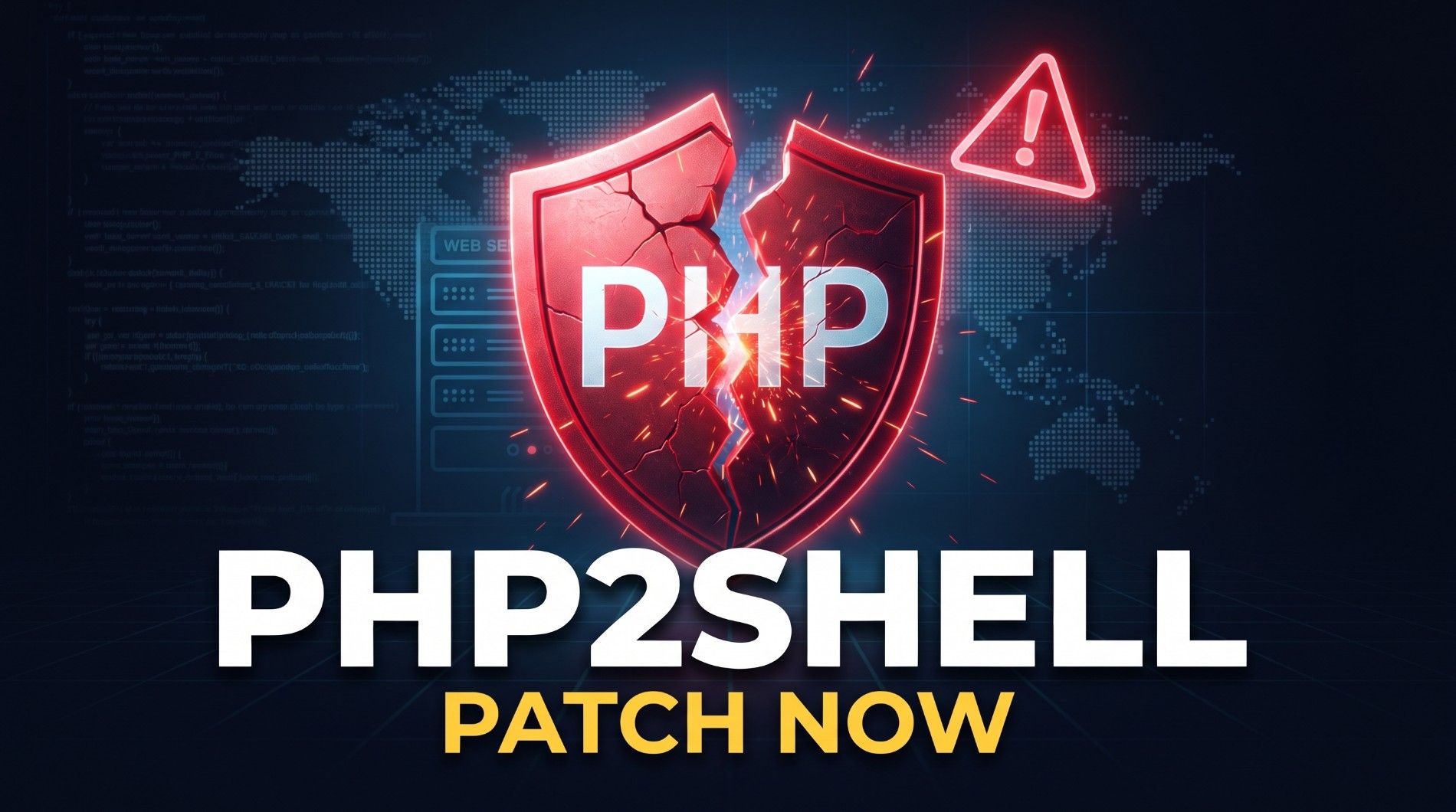
That is the scenario behind this week’s biggest cybersecurity story. On October 21, 2026, the NSA’s cybersecurity account advised all organizations using PHP to prepare for an update addressing two critical vulnerabilities. It also said that if an immediate update isn’t feasible, organizations should consider taking the system offline until it can be mitigated. That is unusual language from a government agency about a programming language. nsa
If your website, shop, ERP, hospital system or client portal runs on PHP, this post is for you. I’ll cover what happened, what to do today, how to harden your website for the long term, and which languages are safest for new projects.
What Actually Happened?
Two vulnerabilities were found in the PHP core interpreter itself, not in a plugin or a theme. They are tracked as CVE-2026-109618 and CVE-2026-109619, and both are rated 9.2 on the CVSS v4.0 scale and can allow an unauthenticated attacker to run code remotely on an affected web server. The security community calls the pair “PHP2Shell.” uw
In plain terms:
- CVE-2026-109618: PHP handles out-of-memory errors in a way that can interrupt it while request data is only partially initialized, which can leave memory in a corrupted state. runzero
- CVE-2026-109619: PHP retains global state that points to memory owned by a request, so stale data can be abused later. runzero
“Unauthenticated remote code execution” is the worst category of web vulnerability. Anyone on the internet can attempt it, with no account needed. Per CISA, the flaws affect all PHP installations serving web requests. cisa
The timeline was also messy. According to watchTowr, details leaked on social media on October 20, before the planned disclosure date. PHP then moved up its emergency release to October 21. watchTowr says it has already observed exploitation in the wild. CISA said at publication that it hadn’t observed exploitation yet. Reports differ, so assume attackers are already scanning for vulnerable servers. watchtowrwatchtowr
Step 1: Patch PHP Today
The fixed versions released on October 21 are PHP 8.5.12, 8.4.27, 8.3.36 and 8.2.35. cisa
- Check your version. Run php -v on your server, or look at phpinfo() in a protected environment.
- Update. If you use a package manager (apt, yum, dnf), apply your vendor’s updated packages. Otherwise download the fixed release directly. Restart PHP-FPM, Apache or your web server so the new version loads into memory.
- Don’t forget containers. Docker images built last month still contain the old PHP. Rebuild and redeploy them.
- Check shared hosting. Hosts such as SiteGround and InMotion say they have already applied protections or patches, but confirm yours has.
A warning about older PHP: According to watchTowr’s FAQ, PHP 7.4, 8.0 and 8.1 have no official release with a fix. If you’re on one of those branches, you need to upgrade to a supported version. A vendor backport (for example from your Linux distribution) may exist, but don’t count on it. watchtowr
What if you can’t update immediately? PHP’s own release notes say bluntly that there are no complete mitigations, and updating is the only safe choice. Some hosting providers have disabled the session.upload_progress.enabled setting as a stopgap. Treat that as a temporary measure only. For anything critical, follow the NSA’s advice: restrict or take the affected service offline until it’s patched. github
Step 2: Check Whether You Were Already Hit
Patching closes the door, but it doesn’t tell you whether someone walked in first. Since exploitation may have started before the patch, do this:
- Review web server logs for the past several days. Look for unusual POST requests, odd upload-related requests and unexpected spikes in 500 errors.
- Scan for new or modified files, especially in upload folders and web roots. A web shell is often just a small PHP file with an innocent-looking name.
- Check for unknown cron jobs, users and SSH keys.
- Rotate secrets if you find anything suspicious: database passwords, API keys, .env values and application keys.
- Restore from a clean backup if you confirm a compromise. Don’t just delete the one file you found.
Step 3: How to Make Your Website Secure for the Long Term
This vulnerability is a reminder that even trusted software has flaws. You can’t prevent every bug, but you can limit the damage. Security people call this defense in depth.
Keep everything updated. Your PHP version, framework, CMS, plugins and server OS all need regular patching. Subscribe to security announcements for the tools you use, and set aside a standing weekly time for updates.
Put a Web Application Firewall (WAF) in front of your site. Services like Cloudflare can block known attack patterns and sometimes ship emergency rules within hours. A WAF is not a substitute for patching, but it buys you time.
Run with least privilege. The PHP process should never run as root. Give it write access only to the folders that truly need it (uploads, cache, logs). If an attacker does get code execution, this limits how far they can go.
Disable what you don’t use. Turn off unused PHP extensions and risky functions such as exec, shell_exec, system and passthru if your app doesn’t need them. Reduce the attack surface wherever you can.
Harden file uploads. Store uploads outside the web root when possible, validate file types on the server, rename files, and never allow execution of scripts in upload directories.
Isolate your environments. Keep the database on a private network, not exposed to the public internet. Use separate credentials per application and give each database user only the permissions it needs.
Use HTTPS, secure headers and strong authentication. That means TLS everywhere, HSTS, a sensible Content Security Policy, secure and HttpOnly cookies, and multi-factor authentication on admin panels, hosting accounts and your code repository.
Back up properly. Follow the 3-2-1 rule: three copies, two different media, one offsite and offline or immutable. Test your restores. A backup you’ve never restored is only a hope.
Monitor and alert. Log everything important, ship logs off the server, and set alerts for unusual behavior such as new files in web directories, failed login spikes or outbound connections you don’t recognize.
Keep an inventory. You can’t patch what you don’t know you have. Maintain a list of every site, app, PHP version and server you run. Many teams lost precious hours this week just figuring out where PHP was installed.
Which Programming Language Is the Most Secure?
I’ll be upfront: no language is immune. Security comes from the runtime, the framework, the developers and the operations around them. That said, some choices carry less risk than others.
PHP is not “bad.” Modern PHP 8.x with a framework like Laravel or Symfony is a solid, mature option. Frameworks give you built-in protection against SQL injection, CSRF and XSS when used correctly. This week’s flaw was in the language runtime, and runtime bugs happen in every ecosystem: Node.js, Java, Python and Go have all had critical vulnerabilities. What matters is how fast the ecosystem responds. PHP’s team shipped fixes within a day of the leak.
Here is how the main options compare for new projects:
Language / Framework Security Strengths Best For
Rust Memory safety enforced at compile time, preventing many types of memory bugs. Performance-critical and high-security services.
Go Memory-safe, simple, with a strong standard library and easy-to-deploy binaries. APIs, microservices, and cloud tools.
Java / Kotlin (Spring) Mature frameworks, extensive security testing, and strong enterprise security tools. Large enterprise systems.
C# (.NET) Memory safety features and built-in identity and security capabilities. Enterprise applications and Windows-based systems.
Python (Django / FastAPI) Memory-safe language with security features and a large ecosystem. Web applications, APIs, and AI-powered products.
TypeScript (Node.js / Next.js) Type checking helps prevent coding errors, but third-party dependencies require careful management. Full-stack web applications.
PHP 8.x (Laravel / Symfony) Mature frameworks, built-in security features, and a large developer community. Business applications, ERP systems, and content websites.
Languages that are memory-safe by design make bugs like this week’s (memory corruption leading to code execution) much harder to produce in application code. But even there, most real-world breaches come from weak passwords, unpatched dependencies, misconfigured servers, exposed secrets and SQL injection, not from exotic runtime bugs.
My recommendations:
- Already on PHP? Don’t panic or rewrite everything. Move to a supported version (8.2 or later, ideally 8.4 or 8.5), patch, and apply the hardening steps above.
- Starting a new project? Pick the stack your team knows best and can keep patched. For most business web apps, Laravel, Django/FastAPI or Next.js with a hardened backend are all excellent.
- Building something high-risk (payments, health data, critical infrastructure)? Consider Go, Rust or a Java/.NET stack, and invest in security reviews.
A well-maintained application in any mainstream language beats a neglected one every time.
The Bigger Lesson
One detail stands out: reporting says the vulnerabilities were found with the help of AI models, and the PHP Foundation warned that AI will make such weaknesses easier to find. The gap between “bug discovered” and “bug exploited” is shrinking. If your patching process takes weeks, it is already too slow. Aim for critical patches within 24 to 48 hours, and have a plan that doesn’t depend on one person being online. Al Jazeera
Your Quick Checklist
- Check your PHP version on every server and container
- Update to 8.5.12, 8.4.27, 8.3.36 or 8.2.35 (or a newer release), then restart PHP
- Upgrade off PHP 7.4, 8.0 and 8.1
- Review logs and scan for suspicious files
- Rotate credentials if anything looks off
- Put a WAF in front of your site
- Lock down PHP permissions, extensions and uploads
- Verify your backups and restore process
- Follow the NSA, CISA and php.net for further guidance
Need Help Securing Your Website?
If you’re not sure whether your servers are exposed, or you need help auditing and hardening your application, GSS Technology can help. We build and maintain business software, and we’re happy to review your setup.
This is a developing story. Check php.net and the NSA and CISA advisories for the latest guidance.
Sources: